What are KML files?
KML (Keyhole Markup Language) is a widely used format for storing geographic data, commonly supported by Google Earth, GIS systems, and various mapping and spatial analysis tools. KML files can store:
- field and parcel boundaries,
- crop and production area shapes,
- points, lines, and polygons on a map,
- additional descriptive information linked to spatial objects.
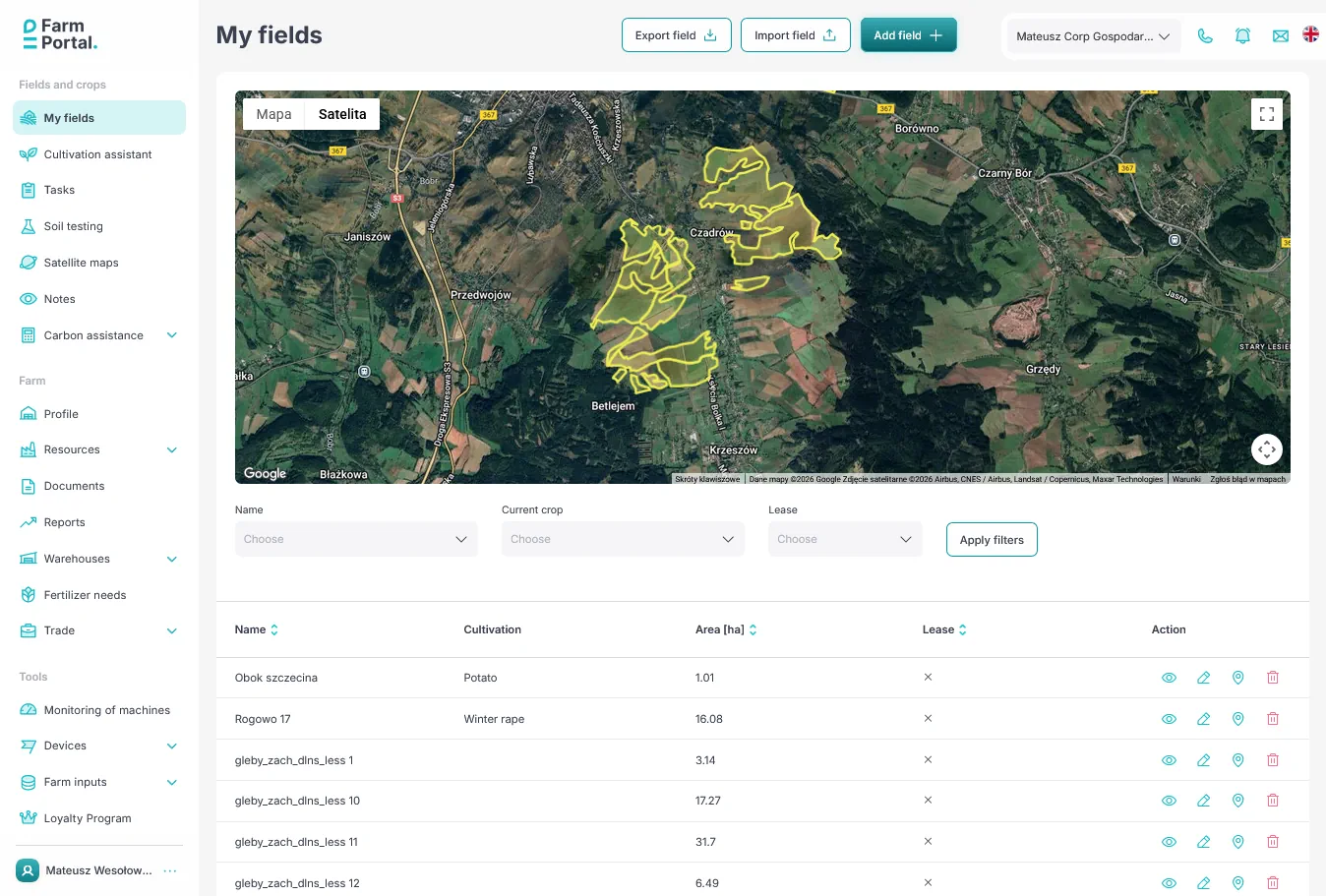
If you already have your field boundaries prepared in another tool, you can now import them directly into FarmPortal—without manual drawing. More on adding fields and crops to your farm
Use of KML files in agriculture
KML files are widely used in digital and precision agriculture, including for:
- planning crop structures and crop rotation,
- analyzing satellite and weather data,
- documenting field boundaries for record-keeping,
- collaborating with agronomic advisors,
- integrating data from drones, machinery, and GIS systems.
With KML import, all this data can be consolidated into a single, consistent farm management system.
Not only KML – full flexibility in field import
From the very beginning, FarmPortal has focused on flexible handling of spatial data. In addition to KML files, you can already:
- import fields from SHP (Shapefile) files,
- import data from GML files,
- import cadastral parcels with TERYT codes directly from the national geoportal by simply clicking them on the map.
The system automatically retrieves parcel geometry and official identifiers, significantly accelerating the onboarding process—especially for users in Poland.

Convenience, time savings, and fewer errors
With advanced import options, you can:
- avoid manual drawing of field boundaries,
- minimize the risk of geometric errors,
- stay consistent with official cadastral data,
- move faster to planning operations, recording activities, and running analyses,
- maintain a single source of truth for your farm structure.
FarmPortal – a modern farm management system
Fields and parcels are the foundation of any Farm Management System (FMS). That is why FarmPortal emphasizes easy data import, integration with public data sources, and a practical, farmer-oriented approach.
Support for KML, SHP, GML files and direct import of TERYT parcels makes getting started with FarmPortal fast, convenient, and fully aligned with real-world agricultural workflows.
If you already have your data—just upload it.
If not—everything can be mapped directly on the map.
Follow us!
See what we're doing and be inspired by positive changes.