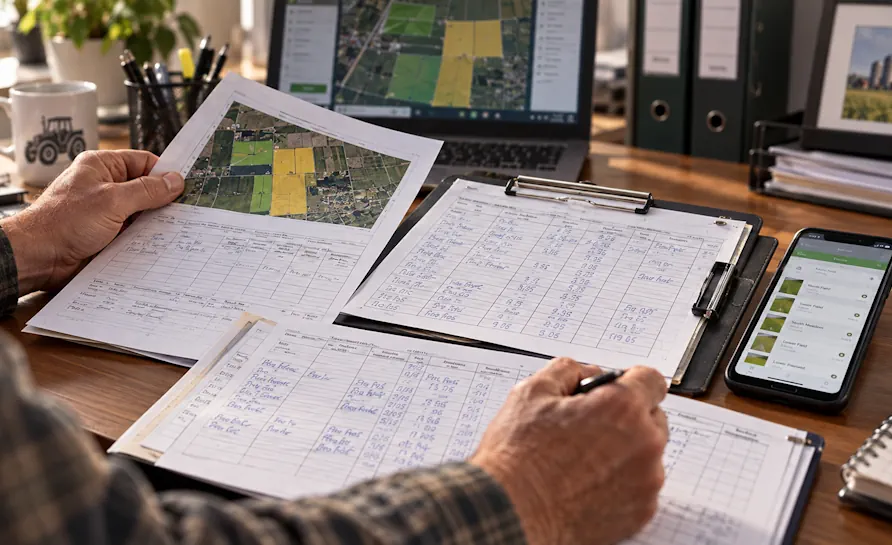
Connect product data and field history with your application records. Explore digital pesticide application records in FarmPortal, the required information and Poland’s electronic format requirements from 2027.
Farms rarely lack information about fertilisers or plant protection products. More often, each part of that information is stored somewhere different. The purchase is on an invoice, the stock level is in a spreadsheet, the completed treatment is in the field records, and the cost still needs to be assigned to a particular field. With only a few products, this can still be managed manually. At a larger scale, simply reconciling the records starts to take time.
A fertiliser and plant protection product database is a shared register of the farm inputs used on a holding. In a Farm Management System (FMS), its purpose is to link each product to what happened next: receipt into stock, a treatment, a field, a crop, a cost or a fertiliser calculation.
Survey of 347 farms: record-keeping and costs rank high among users’ needs
On 5 May 2026, Agri Solutions and FarmPortal published the results of a survey conducted among 347 farms. Respondents represented a range of production profiles and could select more than one answer when asked which farm management system features they considered important. The public article does not describe the sampling method in detail, so the results should not be treated as representative of Polish agriculture as a whole.

Even so, the distribution of responses gives a useful indication of the issues users want to address first. Field operation records were selected by 68% of respondents, crop and production cost control by 61%, and farm input inventory management by 41%. In a separate question, 59% of farms identified documentation spread across notebooks, Excel files, text messages and invoices as an everyday problem. The full results are available in the article “What do farmers expect from farm management software?”.
These findings matter here for one reason: the three areas most closely related to this topic — treatments, costs and stock — all rely on the same farm input data. When each is managed separately, there are more places where names, quantities and units have to be reconciled later.
Discrepancies in farm records – where they come from
The example is an ordinary one. A fertiliser delivery arrives in the morning. The invoice goes into the paperwork, the pallet into the store, and some of the product may be used in the field that same day. If goods receipt, stock records and field treatments are managed separately, a discrepancy can appear before anyone has had a chance to sit down at the computer that evening.
With plant protection products (PPPs), naming adds another layer. One product may be entered under its full trade name, then later under an abbreviation used by the operator. Different units may also appear. A few weeks later, when someone needs to check the crop protection cost for a particular crop or reconstruct the field history, manual comparison begins.
In the middle of the season, keeping a spreadsheet tidy usually loses out to the weather and the treatment window. The operator’s job is to get the work done, not to standardise product names across several files. That is why later record-keeping works best when the product can simply be selected from one register and linked to the relevant field.
What should a useful fertiliser and PPP database contain?
To begin with, it is enough to store the information that will actually be used again in the records: an unambiguous product name, the unit and the data needed for the treatment. For fertilisers, nutrient composition also matters. If the farm uses its own fertilisers or blends, the system should allow them to be added without maintaining a second list outside the application.
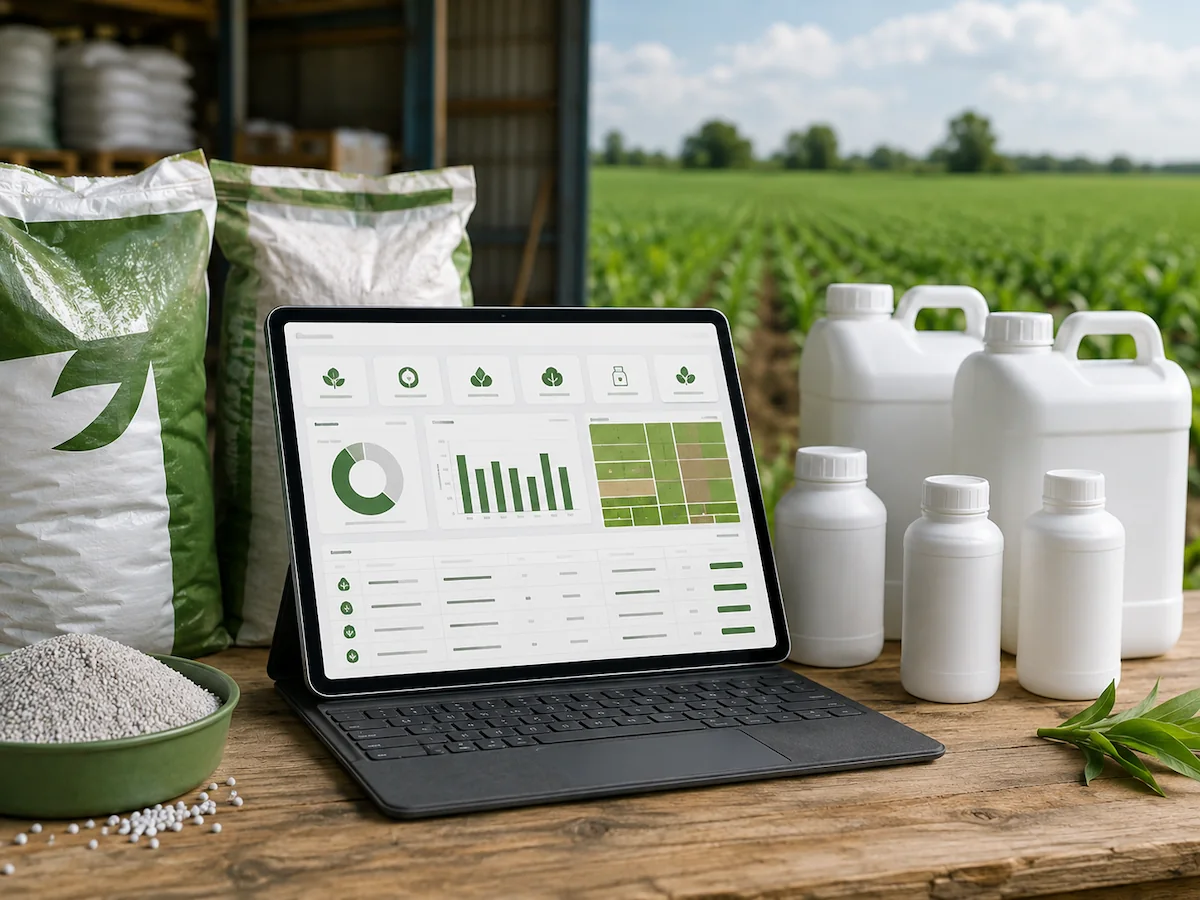
FarmPortal includes a ready-made fertiliser database, lets users add their own fertilisers together with nutrient content, and provides an integrated register of plant protection products. The database is used when recording treatments and in the fertiliser calculator. More information is available on the precision fertilisation page in FarmPortal.
For plant protection products, the farm’s internal product register does not replace the official register or product label. The Ministry of Agriculture and Rural Development publishes the Register of Plant Protection Products; on 21 August 2026, the version available on the website had been updated on 9 July 2026. The current conditions of use must be checked before treatment.
The product database becomes useful at treatment level
The most practical change is that the operator, or the person completing the records, selects an existing product instead of typing its name from scratch each time. If the full fertiliser name is used once, an abbreviation later, and a third version in the cost spreadsheet, the same product starts behaving like three separate entries. A shared register reduces this type of inconsistency.
In FarmPortal, digital PPP and fertiliser records are linked to the field operations log. An entry can be connected to a specific field or crop, the product used, cost, machine, employees, BBCH growth stage and other treatment parameters. The field history therefore contains more than a note saying that a spray was completed; it also holds the data needed later for cost control and documentation. The detailed scope is described on the FarmPortal farm management page.
If the product name has to be re-entered in a separate cost spreadsheet after the treatment, that creates another point where the name, unit or quantity can change. When costs are analysed later, someone then has to establish which entries refer to the same product.
Stock and costs in one data flow
A stock discrepancy usually appears later, often only during a stocktake. There is less product on the shelf than in the spreadsheet. At that point, a figure such as “stock: 120 l” is not enough. You need to see when the product was received, where it was issued and which treatment the usage was assigned to.
FarmPortal covers inventory management, field operation records and agricultural production costs. In this setup, the fertiliser and plant protection product store is not separate from the field history. Usage data can be analysed alongside treatments and the costs of a particular crop.
| Stage | What do we record? | Why do we need this information later? |
|---|---|---|
| Product receipt | Product, quantity and unit | Stock control and movement history |
| Treatment | Product, rate, quantity, field and date | Crop history and treatment records |
| Cost | Expenditure linked to the completed work | Crop protection or fertilisation cost by field and crop |
The most common organisational gap appears between delivery and first use. If the receipt is not recorded, the opening stock figure is wrong from day one. Before introducing inventory management, it is therefore worth assigning one clear responsibility: who records incoming products and at what point the receipt is considered complete.
From soil analysis to the fertiliser actually applied in the field
Fertiliser calculations need information about crop nutrient requirements and soil nutrient status, but the farm ultimately works with specific products. In FarmPortal, a farm’s own fertiliser can therefore be saved together with its nutrient content and then used in the fertiliser calculator. This makes the transition from soil analysis results to the product actually applied in the field easier to manage.
Variable-rate fertilisation adds a spatial layer. A map can divide the field into zones with different requirements, while the application rate changes as the machine moves across the field. On the FarmPortal homepage, Jan Kępa describes using NDVI maps in this way: By creating NDVI maps, I can apply fertiliser precisely where it is needed. I use less fertiliser while yields remain unchanged.
This is an English translation of the quotation published by FarmPortal.
The public testimonial does not provide the farm area, crop or percentage reduction in fertiliser use, so those figures should not be added. It does, however, show how a fertiliser database can connect with the next stages of the process: calculation, application mapping and the completed field operation.
How to get started without re-entering years of historical records
Start with the current position. First establish which fertilisers and PPPs are actually on the farm, standardise product names and units, and then choose a clear start date. From that point onwards, new purchases and treatments are recorded under the new rules.
Older entries are worth migrating only when there is a clear reason to use them. If the aim is to compare wheat production costs across three seasons, the history matters. If the only objective is to establish the current stock position, a reliable opening stocktake is enough.
After the first few weeks, carry out a short check: compare the recorded stock with what is physically in the store. If the figures do not match, the correction should have a reason — a missing receipt, an unrecorded issue, an incorrect unit or the wrong quantity entered for a treatment.
Where the system will not solve the problem
On a small farm with only a few products and one user, a well-maintained spreadsheet may still be sufficient. An FMS becomes more useful when several people rely on the same data or when treatments, costs and stock levels have to be linked across multiple fields.
The timing of data entry also matters. A treatment entered several days later is more likely to require details to be reconstructed from memory: the exact quantity, time or correct block. The system should make recording quick enough that the operator or agronomist does not postpone it until the end of the week.
For PPPs, the current product label and official register still apply. For fertilisation, the quality of soil test results and crop data matters. Software can organise the flow of information, but it cannot correct an inaccurate laboratory analysis or a poor agronomic decision.
Two questions that come up most often
Do I need to migrate all historical fertiliser and PPP records?
No. If the aim is to organise the current season, you can start with a product stocktake and an agreed start date. Historical data is worth migrating when it will be used to compare costs, analyse a field or prepare documentation from previous years.
Is the FarmPortal database enough to decide whether to apply a plant protection product?
The database helps maintain records and select a product when a treatment is entered. Before applying a product, however, you still need to check the current MRiRW register and the product label, including the crop, application rate, timing and conditions of authorisation.
The first week: where to begin
At the outset, a current stocktake of fertilisers and PPPs, standardised product names and units, and a clearly assigned person responsible for goods receipt are enough. Then run one complete workflow using a real treatment: select the product from the register, assign the field, enter the rate, quantity used and cost.
After a week, check whether the stock level in the system matches the physical stock and whether the person analysing costs can see the same treatment without re-entering the data. Only then does it make sense to extend the process to more products, fields and historical records.
As a farm management system, FarmPortal links its fertiliser and plant protection product database with field operation records, costs and inventory management.
Follow us!
See what we're doing and be inspired by positive changes.