Farm digitisation should not begin with buying another sensor or transferring an entire archive into a new system. A better starting point is one field, one active crop and one process needed every week: a field operation, a task, a cost or an observation.
Digital agriculture is a production management model that brings together data from fields, crops, staff, machinery, weather and sensors to support operational decisions and reduce repeated manual data entry.
In brief
FarmPortal is best introduced in stages. Start by mapping the farm, setting up the growing season and recording completed work consistently. Costs, inventory, telemetry, weather stations, satellite monitoring and variable-rate application maps become more valuable once they can be linked to accurately defined fields and crops.
- Start with a process, not a device.
- Enter data once, as close as possible to where it is generated.
- Appoint one person to oversee field names, reference lists and data completeness.
- Measure report preparation time and the number of manual corrections.
What is farm digitisation?
Farm digitisation means creating a consistent, up-to-date picture of production: where a field is located, which crop is growing there, what work has been completed, who carried it out, which input was used, what it cost and what result was achieved. An app alone is not enough if the farm has not agreed simple rules for managing its data.

Our position is clear: digitisation without a single source of data simply moves the disorder from a notebook into several apps. A farmer may use GPS, a weather station, a machine terminal and a cost spreadsheet, yet still need several hours to reconstruct the history of a particular crop.
The Joint Research Centre’s 2025 report was based on a survey of 1,444 farms in nine EU Member States, including Poland. Within this sample, 93% of respondents used at least one IT tool or software application, yet the authors still identified problems with data digitisation and interoperability. Owning an app is therefore not, by itself, evidence of a well-organised process. Source: JRC, “The state of digitalisation in EU agriculture”, 2025.
Where should digital farm management begin?
Begin with the data that already affects day-to-day work and record-keeping. In practice, this means field boundaries, current crops, operation dates, inputs and application rates, staff and machinery. Together, these details form the basis of the field history, cost calculations and any later device integration.
A common mistake is to buy a sensor, GPS tracker or weather station without first standardising field and crop names. The data may arrive correctly, but it is then difficult to assign it to a growing season, orchard block or specific decision. The issue is not the technology; it is the absence of a shared farm model.
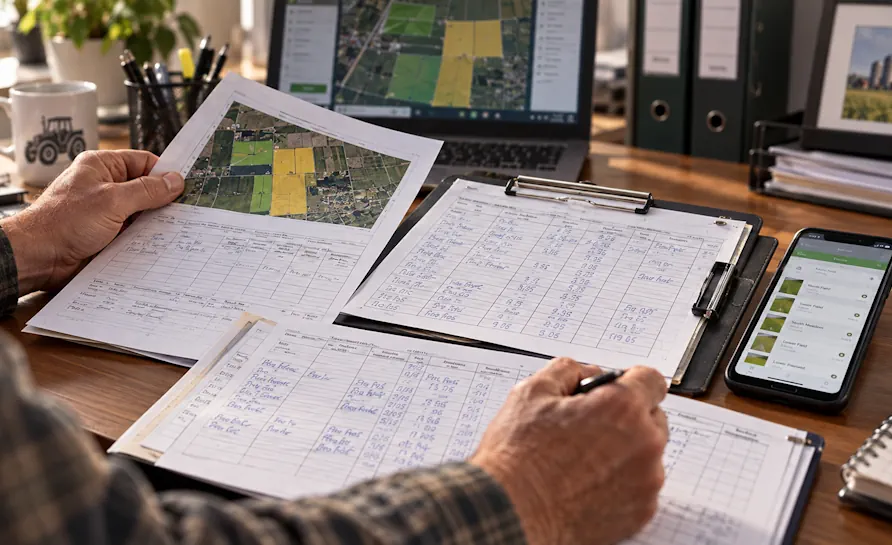
On many farms, information about a field operation begins in the operator’s memory, is written on a scrap of paper in the tractor cab and is copied into a notebook that evening. During the final entry, it is easy to lose the exact time, the input batch number or the treated area. The omission becomes visible only during an inspection, audit or cost review.
The first task should therefore be to map the farm in FarmPortal’s fields, crops and growing-season history module. There is no need to reconstruct the previous ten years immediately. The current season and the data required for daily work are enough to assess whether the new recording process is useful.
How do you implement FarmPortal step by step?
FarmPortal is best implemented in short stages, each of which ends with a useful outcome. A team will adopt a new way of working more readily if, after a few days, it has a complete field-operation register or an up-to-date task list, rather than spending a month filling in configuration screens without seeing a practical result.
- Choose one objective. This might be a complete field-operation record, crop cost control, work planning or harvest labour accounting.
- Add the farm, fields and active growing season. Check areas, names, crop species and varieties. Names must make sense to the operator, agronomist and farm owner.
- Define roles. One person manages the configuration, staff record completed work, and the owner or agronomist reviews completeness and reports.
- Complete the first process from plan to execution. Create a task, assign the field, worker and machine, then record the actual date, input and working time.
- Add costs and materials. Link the operation to fertiliser, crop protection products, fuel, labour time or an external service.
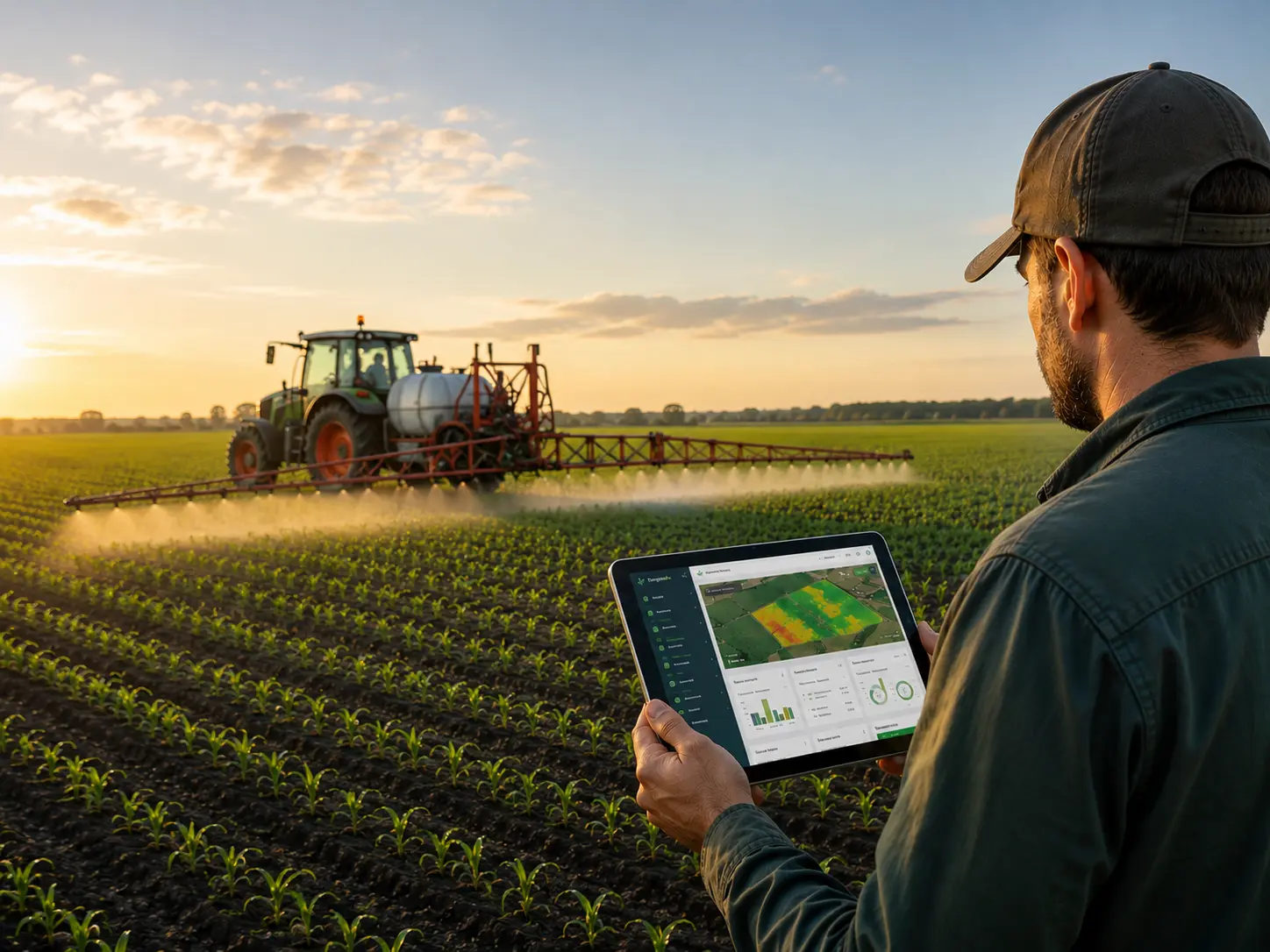
- Only then introduce automated data. Weather, sensors, GPS, telemetry and satellite imagery should feed into fields and crop cycles that have already been structured correctly.
After three or four weeks, remove any form fields that nobody uses and improve the parts of the process that generate the most corrections. The full catalogue of available modules is listed on the FarmPortal farm management system functions page.
What should you digitise first?
Give priority to processes that are frequent, costly or carry a record-keeping risk. A register used only occasionally can wait. A field operation, harvest, machine activity or field observation should enter the system promptly, because reconstructing details later is slow and prone to error.
| Stage | Process | First useful outcome | When to expand |
|---|---|---|---|
| Foundation | Fields, crops and growing season | An up-to-date farm map and field history | After checking areas and names |
| Operations | Field operations and tasks | A completed-work record with rate, date and operator | Once most work is being recorded as it happens |
| Economics | Costs, materials and inventory | Crop costs and actual resource use | After units and prices have been standardised |
| Automation | Machinery, weather, GPS and IoT sensors | Automated measurements and field-specific alerts | After setting thresholds and assigning people to respond |
Not every piece of information needs to be digitised. If data does not lead to a decision, report, settlement or action, collecting it becomes another administrative burden. A well-configured system should remove at least one manual step from the process.
How does FarmPortal support farm digitisation?
FarmPortal is a farm management system that combines operational data with agronomic information. Within one model, users can manage fields, crop cycles, tasks, field operations, costs, machinery, staff, harvests, stores, documents and data from connected devices.
Information recorded when work is carried out can later feed reports, registers, settlements and profitability analysis. This is the proper measure of digitisation’s value: one reliable record should support several processes instead of being copied into a succession of spreadsheets.
| Area | Paper and scattered files | FarmPortal | Condition for success |
|---|---|---|---|
| Field history | Notes spread across several seasonal notebooks | Events assigned to a field, crop and growing season | Accurate geometry and consistent naming |
| Field operations | Data copied after the work is completed | A record of the date, rate, material, operator and machine | The entry is made on the day of the operation |
| Costs | A separate spreadsheet without full context | Costs linked to work, crops and actual use | Current prices and consistent units |
| Automated data | Separate applications supplied by device manufacturers | Measurements viewed alongside the field, work and crop history | A confirmed integration and quality controls |
| Documentation | Records assembled shortly before an inspection | Reports generated from current records | Regular completeness reviews |
Over time, the data can form a digital twin of the crop: an evolving model that combines field history, weather, soil, operations, observations and production results. A complete model is not a prerequisite for starting. A reliable history of basic events comes first.
When is FarmPortal data shared with FoodPass?
FoodPass becomes relevant when a farm works with a producer group, adviser, processor or customer that manages documents, quality, audits, lots and deliveries. FarmPortal remains the source of farm-level data, while FoodPass structures collaboration across the wider supply chain.
Sharing should not mean handing over the farm’s complete history. The scope must follow the business relationship and the permissions granted; it may cover only a contracted crop, selected documents or a particular lot. The relevant functions are described on the FoodPass supplier collaboration and traceability page. Access control is discussed in more detail in “Data security in Agriculture 4.0” (in Polish), published by FarmPortal on 21 February 2026.
What do real FarmPortal user examples show?
Public user testimonials show that the right starting point depends on the production profile. These are not full case studies with audited financial indicators, but they are genuine examples of processes that farms have moved into FarmPortal.
Notes, decisions and administrative records
“I enter all key information into the app instead of writing notes on scraps of paper.”
The full testimonial also refers to subsequent decisions and submissions to Poland’s Agency for Restructuring and Modernisation of Agriculture (ARiMR). In this case, the value begins with replacing loose notes with an organised history, without making sensors a prerequisite. Source: FarmPortal customer testimonials.
Harvests and quality on a soft-fruit plantation
Polski Instytut Truskawki reports easier accounting for pickers and plantations, together with fruit quality control for every crate. Here, digitisation begins with workers, identifiers, harvests and quality rather than the records typically prioritised by an arable farm. Source: FarmPortal customer testimonials.
Weather and frost response
Brodowski Owoce describes using precise weather measurements and frost alerts to protect an orchard in bloom. In this type of scenario, installing a weather station is not enough: it must be assigned to the correct location, thresholds must be configured and someone must be responsible for receiving the alert and starting the protective response. Source: FarmPortal customer testimonials.
Which implementation mistakes should you avoid?
The greatest risk is not a missing feature, but an implementation that covers too much without a clear process owner. If several people can freely amend fields, reference lists and operations, the reports become unreliable within a few weeks, even if every module is technically working.
- Do not start during the busiest part of the season. Complete the configuration before an intensive treatment or harvest period.
- Do not recreate the entire archive without a purpose. Import older data only when it will support analysis, crop rotation planning or required documentation.
- Do not connect every device at once. Each one needs an assignment, thresholds, quality checks and a named person responsible for responding.
- Do not judge the implementation by login numbers. Measure completed processes, data completeness and the time needed to prepare documentation.
FarmPortal does not replace an agronomist, machinery servicing or a clear allocation of responsibilities. It provides shared context and history, but decisions about a field operation, repair or data-sharing arrangement still belong to the appropriate person.
How should you measure progress after the first month?
The first implementation review should focus on process quality rather than an expected increase in yield. Four weeks is enough to see whether users record work promptly, whether a report can be prepared without collecting scraps of paper and which parts of the configuration are still causing errors.
| Indicator | How to measure it | Sign of improvement |
|---|---|---|
| Timeliness of records | Share of work recorded on the day it is completed or the following day | A growing share without additional reminders |
| Reporting time | Time from starting a report to producing the finished file | Less manual consolidation of notebooks and spreadsheets |
| Number of corrections | Changes to rates, dates, areas and assignments after work is closed | A week-by-week reduction in corrections |
| Cost completeness | Active crops with assigned materials, labour and machinery | More crops with comparable cost data |
| Integration quality | Devices with current readings and the correct assignment | Fewer gaps, duplicates and measurements without context |
Frequently asked questions about farm digitisation with FarmPortal
Does farm digitisation require buying sensors?
No. The first stage can cover fields, crops, tasks, field operations and costs. Sensors, weather stations, GPS and telemetry are worth adding once the core data already has context and someone is responsible for responding to alerts. A measurement without a decision-making process rarely delivers lasting value.
How long does it take to start working with FarmPortal?
The initial farm setup can begin with fields, current crops and users. The time required depends on the number of fields and the quality of the source data. The first complete process should be running within a few days, while establishing consistent recording and reporting practices will usually take several weeks.
Do you need to transfer the farm’s entire history?
No. The safest approach is to begin with the active growing season. Historical data is worth transferring when it supports crop rotation comparisons, cost analysis, soil results or required documentation. A bulk import of old and incomplete records may reduce the reliability of reports.
How should you choose the first process to digitise?
Choose a process that is frequent, leads to a later report or carries a cost when errors occur. On an arable farm, this will usually be the field-operation register. In an orchard, it may be weather alerts and crop inspections; on a soft-fruit plantation, it may be harvest, worker and crate-quality accounting.
Can FarmPortal integrate data from machinery and devices?
FarmPortal supports integrations with devices and data sources including GPS monitoring, weather stations, soil-moisture sensors and selected machinery systems. The exact scope depends on the device model, the available interface, the transmission method and the implementation configuration.
Who should be responsible for farm data?
One person should be responsible for configuration, reference lists and completeness checks. Operators can record completed work, an agronomist can add recommendations, and the owner can review reports. Separating these roles reduces accidental changes and makes the source of each record easier to establish.
How can you tell whether the implementation is working?
The implementation is working when data is recorded close to the time of the activity, reports can be produced without manually combining several files and the number of corrections is falling. Practical indicators include record timeliness, documentation preparation time, cost completeness and the quality of device data.
Glossary
- FMS
- Farm Management System: software that brings together production records, resources, costs and data used to support decisions.
- Crop cycle
- The set of events associated with a particular crop in a defined field and growing season, from planning through to harvest and final cost allocation.
- Digital twin of a crop
- An evolving crop model that combines location, work history, weather, soil, observations, sensors, costs and results.
- IoT
- Internet of Things: devices and sensors that automatically transmit measurements such as temperature, soil moisture, GPS position or machine parameters.
- Interoperability
- The ability of systems and devices to exchange data securely without repeated manual re-entry.
- VRA
- Variable Rate Application: applying material at different rates across a field according to a map and defined application zones.
Conclusion and practical next step
Farm digitisation begins with an orderly core data model, not with buying the greatest possible number of devices. The field, crop, growing season, task and completed field operation form the foundation to which costs, inventory, staff, machinery, weather, satellite data and sensors can later be added.
Choose one active field and reconstruct its previous 30 days: the crop, completed operations, materials used and the work carried out by people and machinery. Then identify which information is missing from a decision or report. That gap, rather than the length of the feature list, should define the first FarmPortal implementation scope.
Follow us!
See what we're doing and be inspired by positive changes.