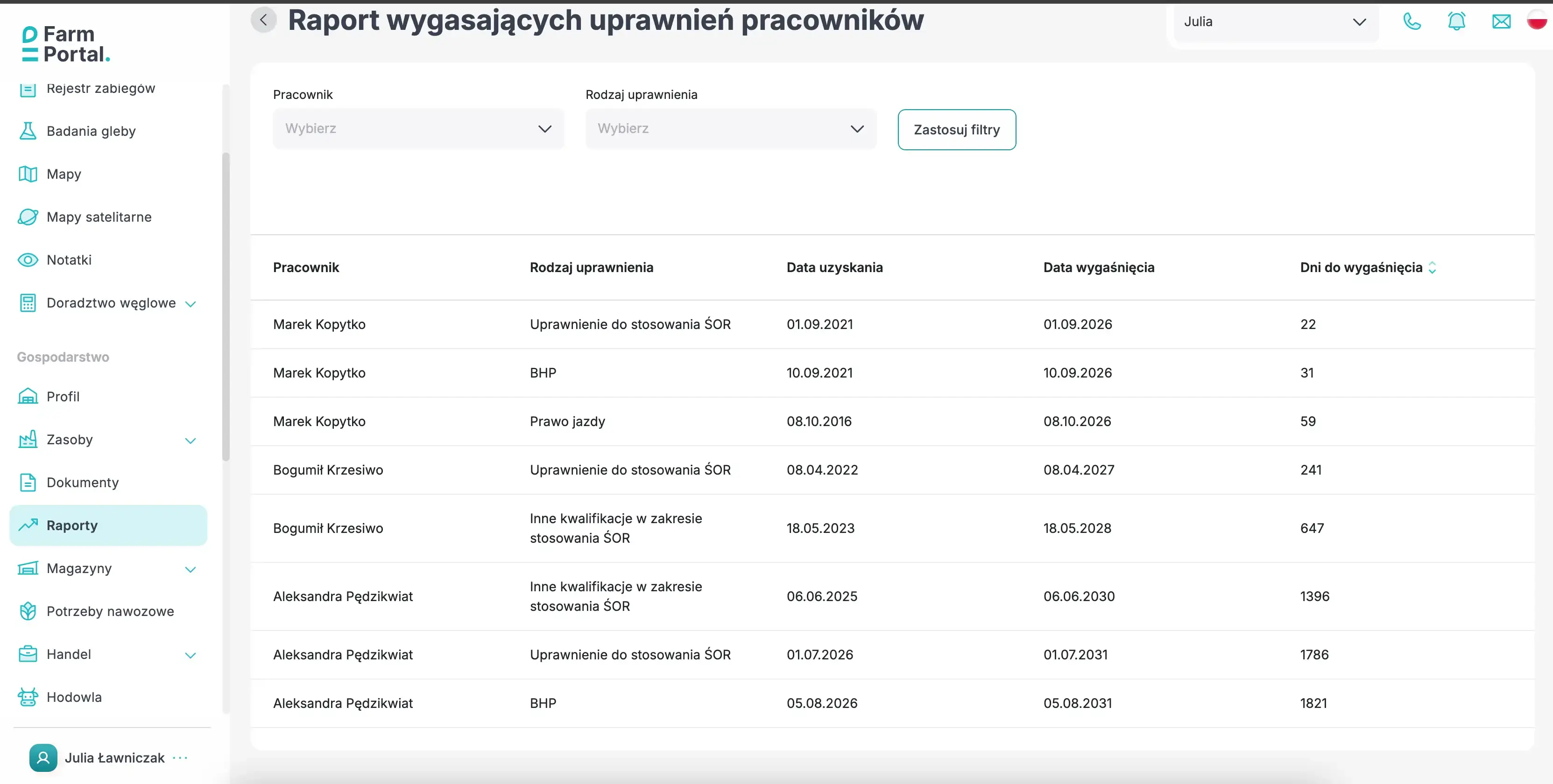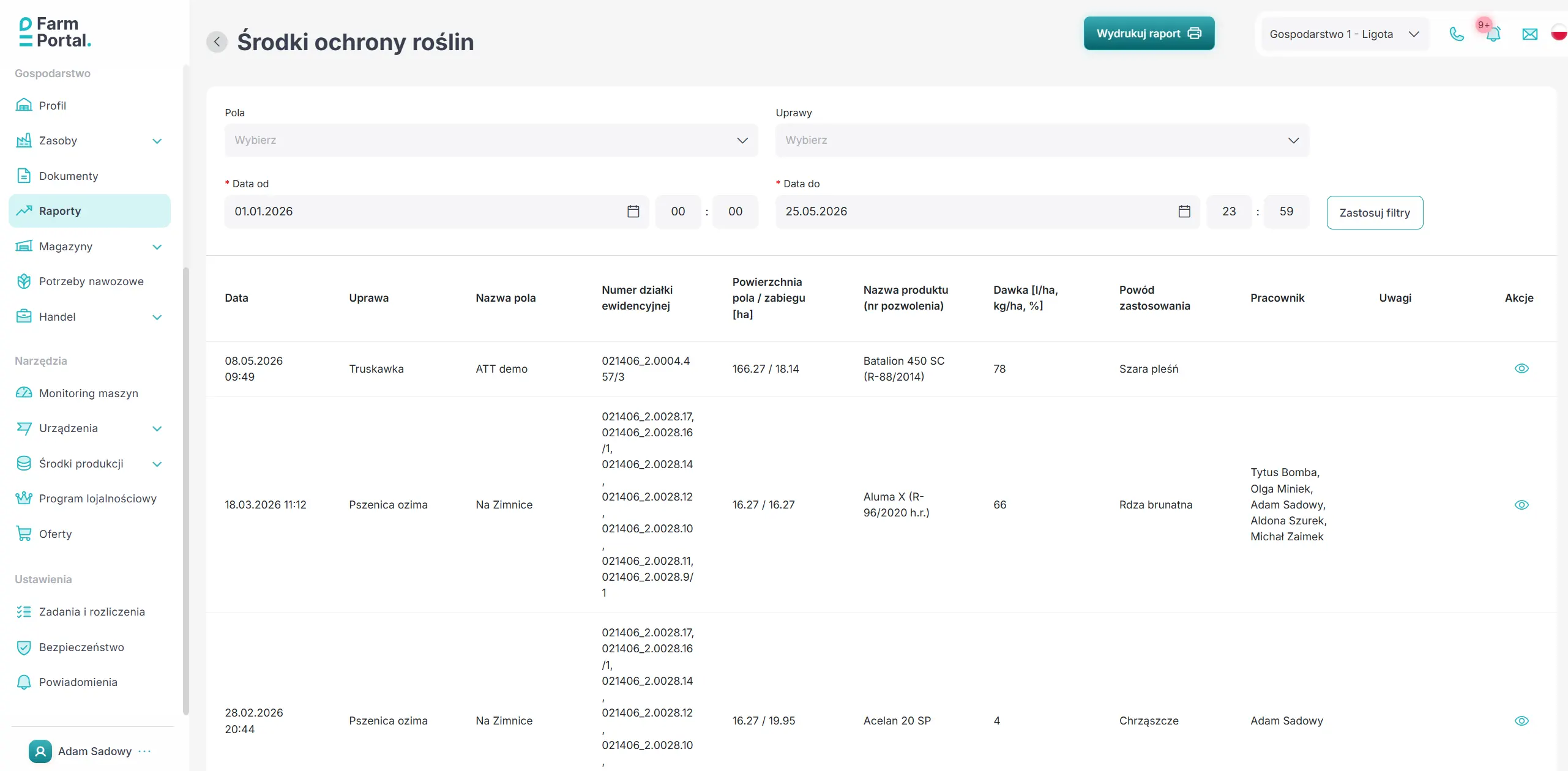
The latest update lets you produce a PDF of soil test results, complete with a map and sampling data. Livestock management and directions to a selected field via Google Maps are now available in the mobile app. We have also expanded the weather station readings shown in FarmPortal and added support for currencies.
Summary of changes
- Soil test results can now be exported as a PDF in the browser version.
- The livestock module is now available in the mobile app.
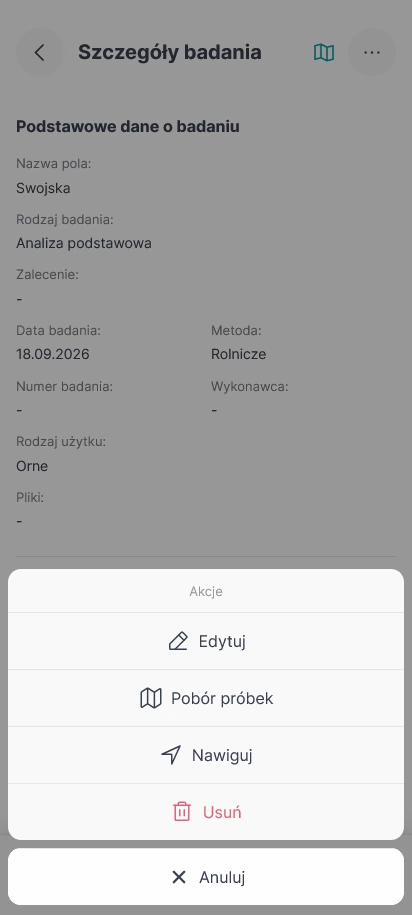
- You can open directions to a field from its details, a crop or a soil test in the mobile app.
- Additional weather station readings are now displayed.
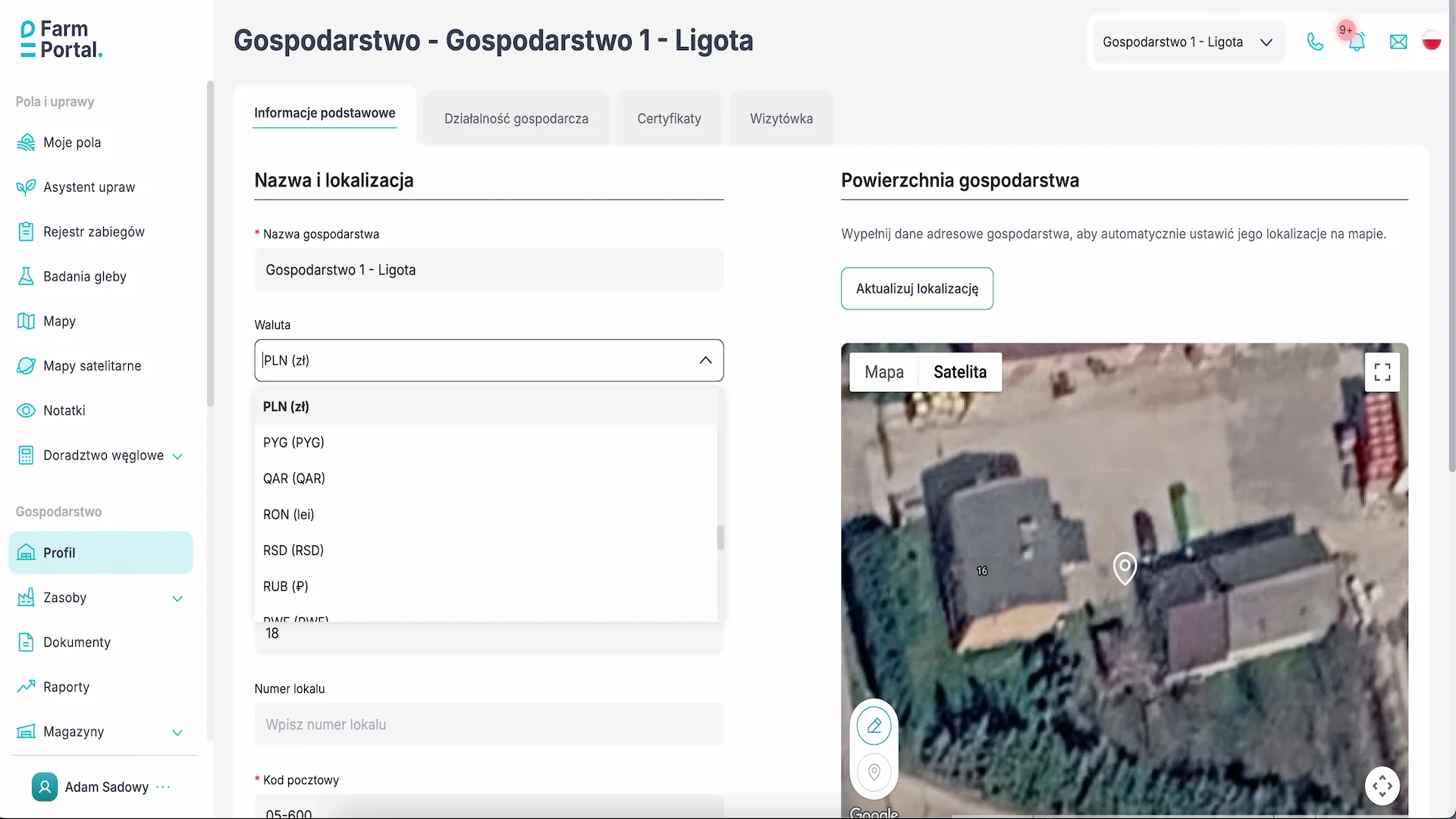
- You can choose the currency used when adding new financial records.
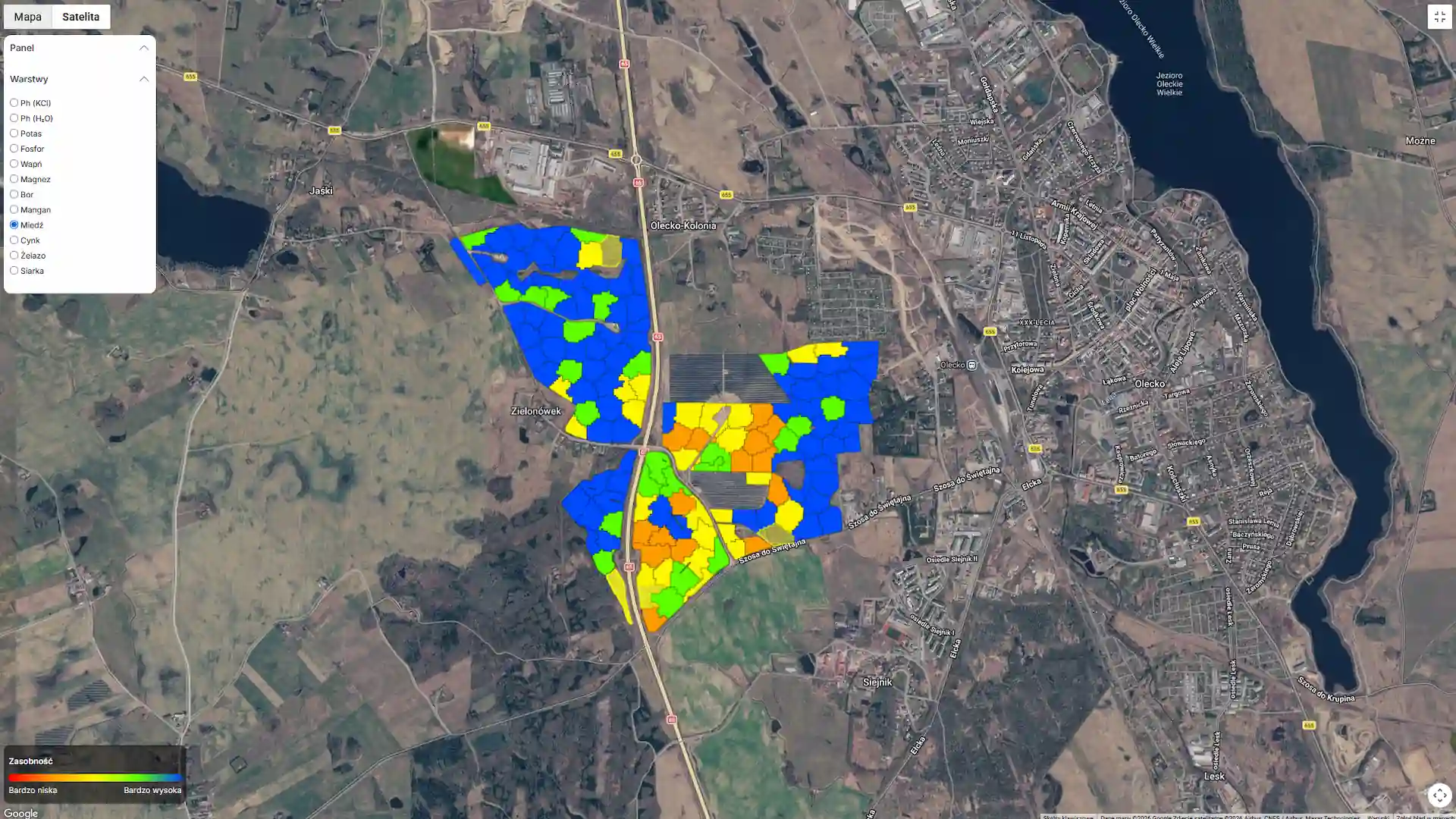
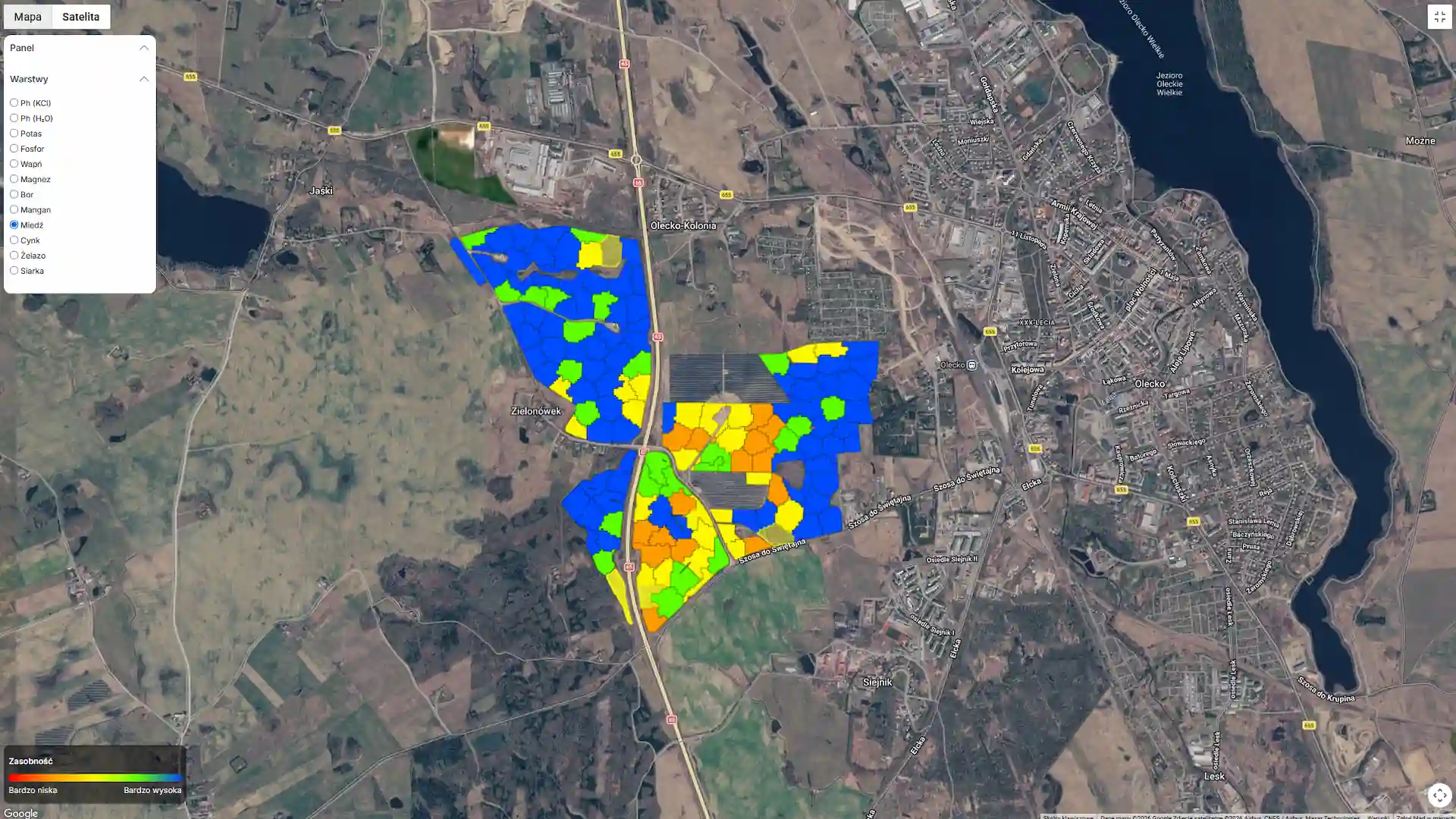
- The legend and layer panel are now visible in the full-screen map view.
Soil test results in a single PDF
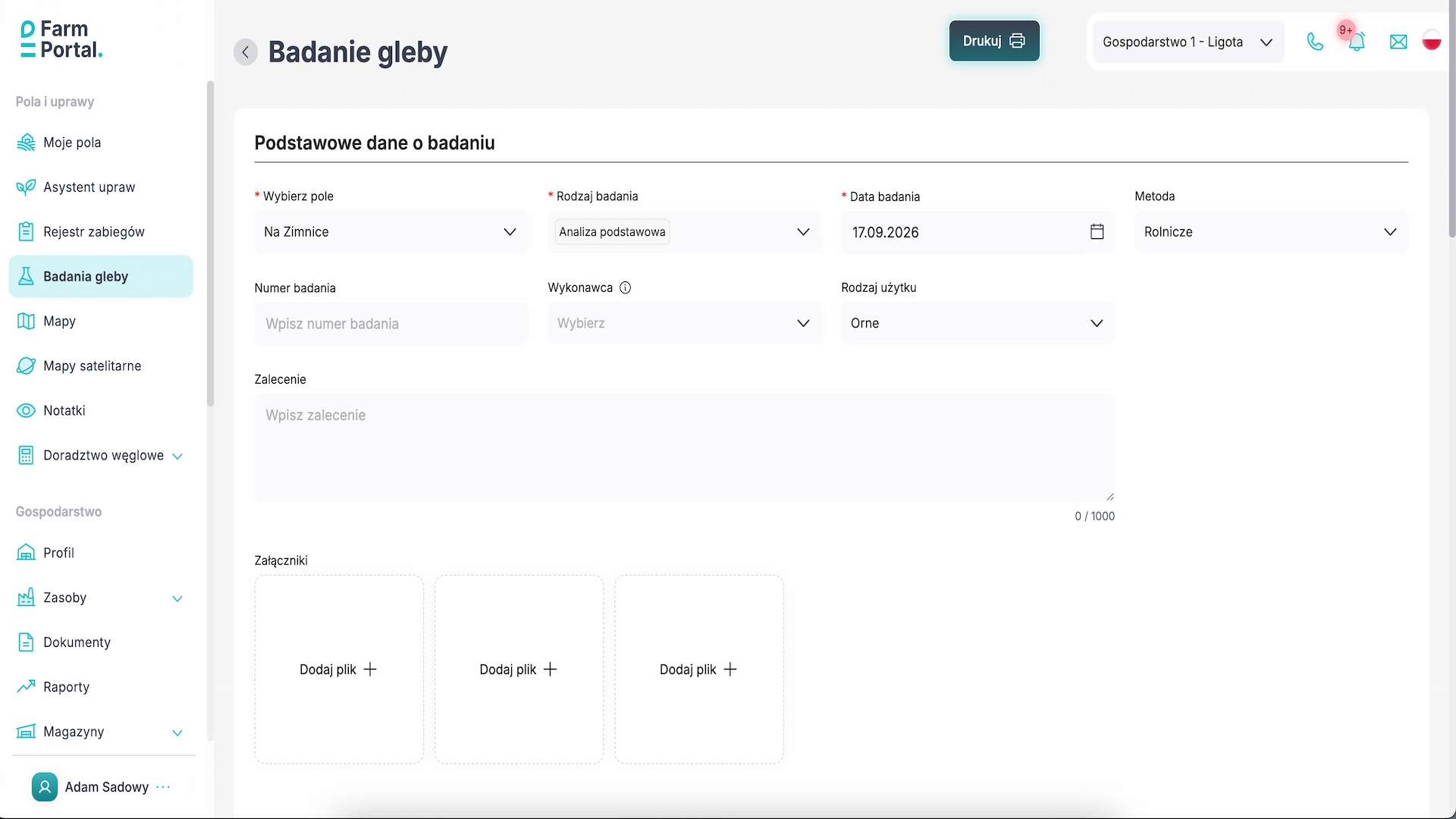
A “Print” button has been added to the details of a soil test in the browser version of FarmPortal. It generates a PDF showing a map of the tested area, with sectors and sampling points marked. Tables below the map list the sectors and samples, along with test results where these have been entered.
You can use the file to discuss the results with an adviser or keep it with your farm records. Sector numbers are shortened on the map to keep it readable and correspond to the labels in the table.
Where to find it: open a soil test in the browser version and select “Print”.

Livestock management is now available on mobile
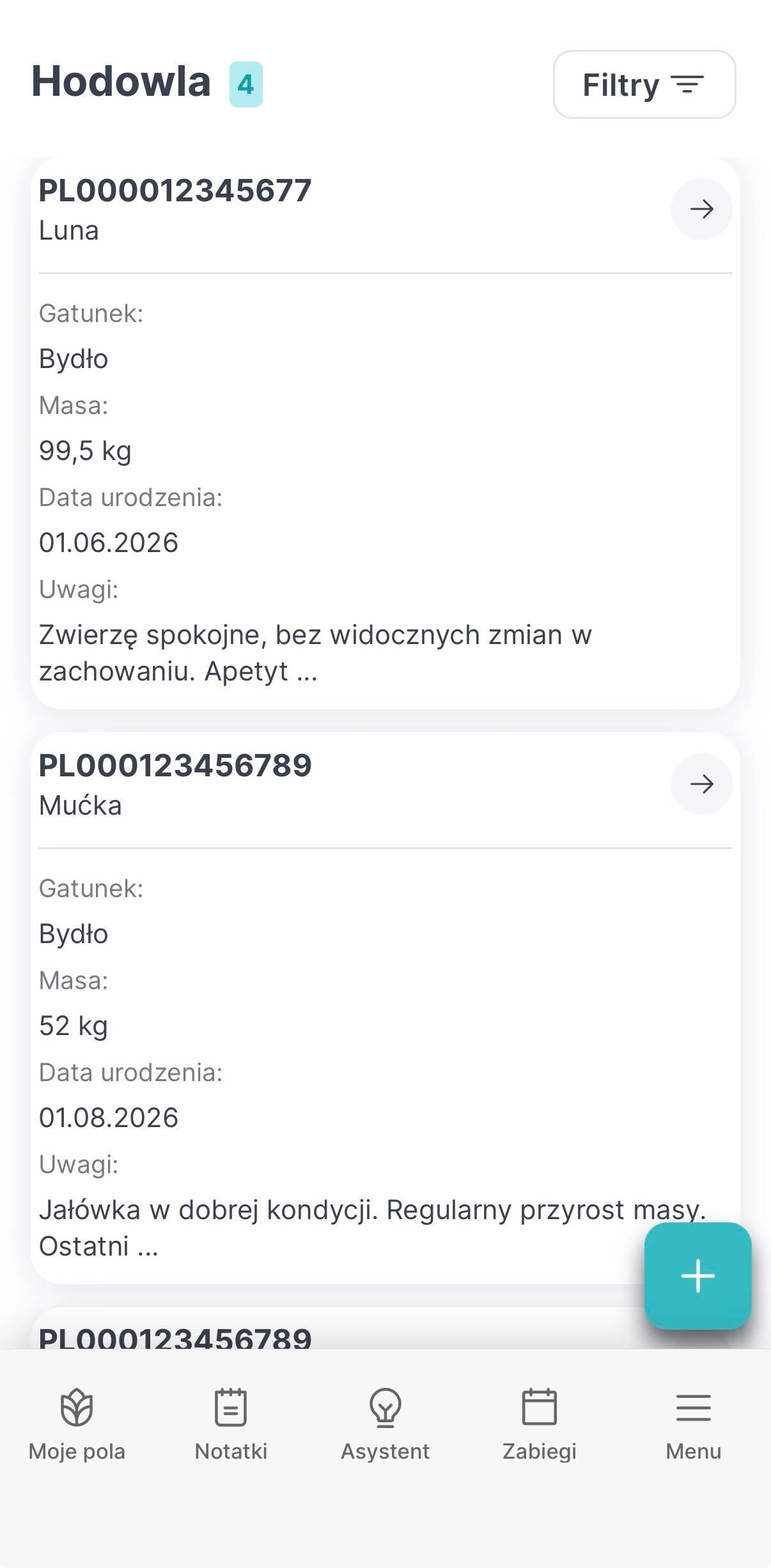
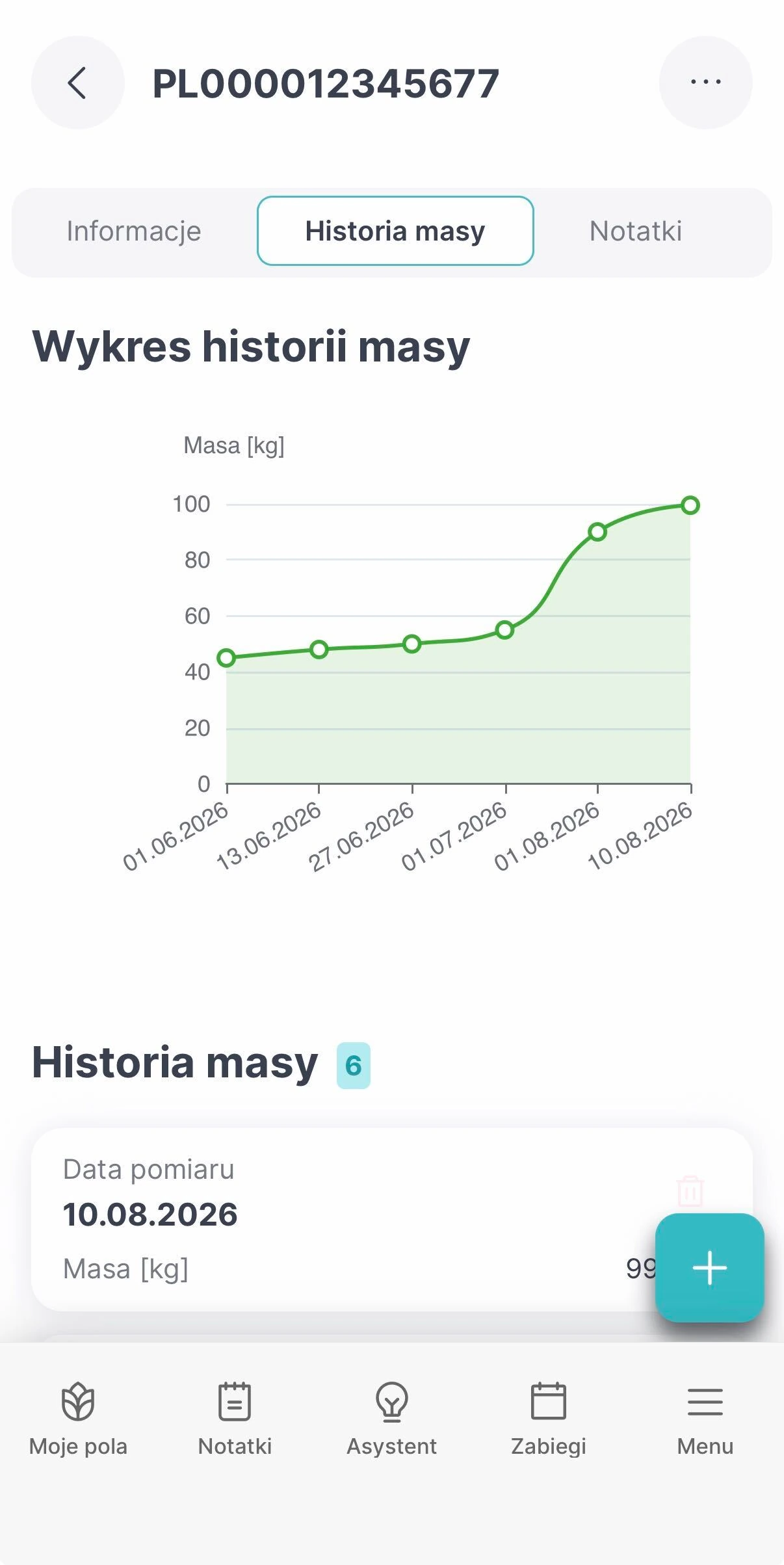
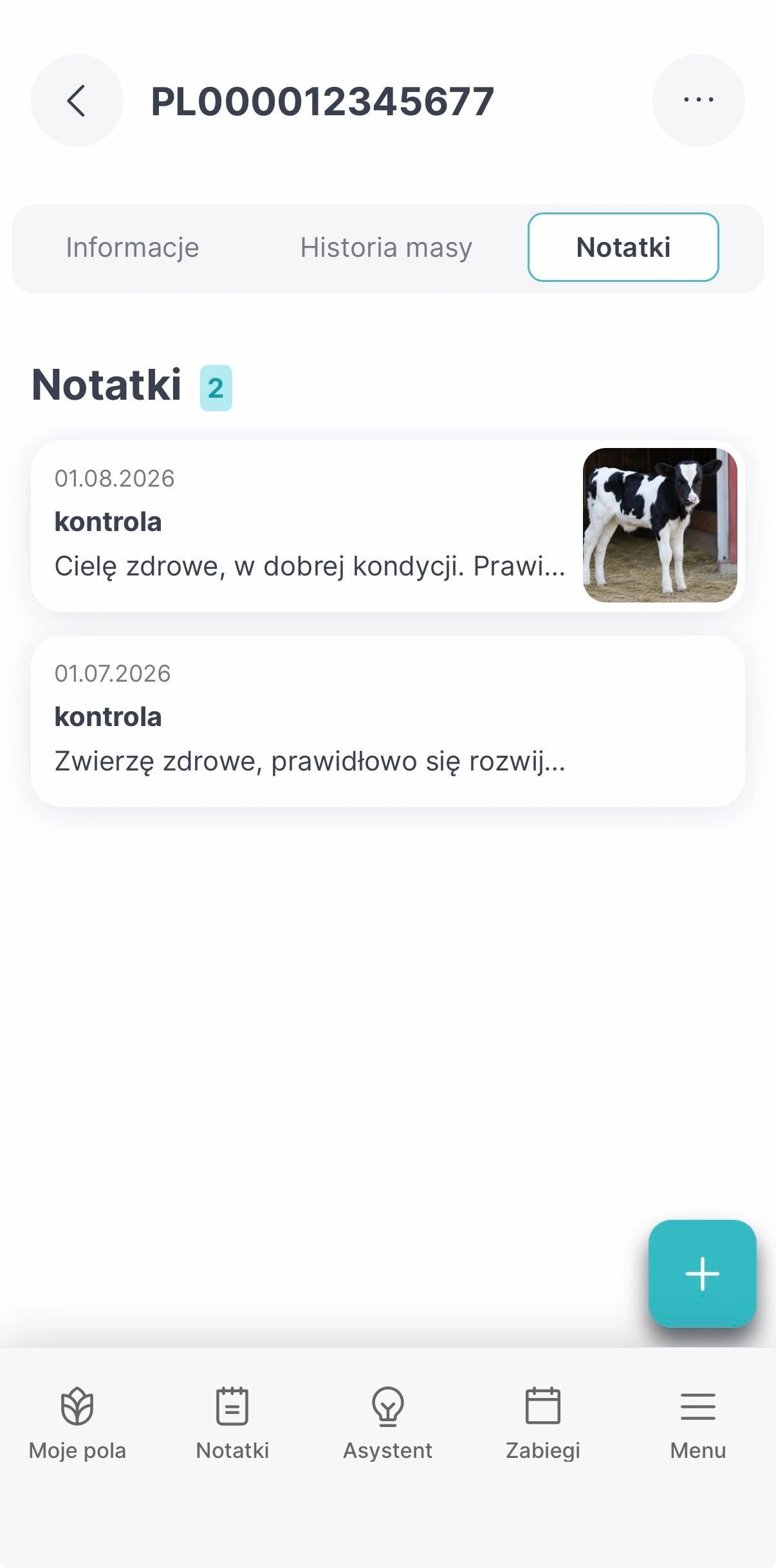
The livestock module, already available in the browser version, can now be used on your phone. In the mobile app, you can view the list of animals, add new records and edit existing ones. Each animal’s record shows its basic details, weight history and associated notes.
While working on the farm, you can check earlier weight measurements or add a note to an animal’s record without returning to a computer.
Where to find it: open the livestock module from the farm menu in the mobile app.
Directions to a field from your phone
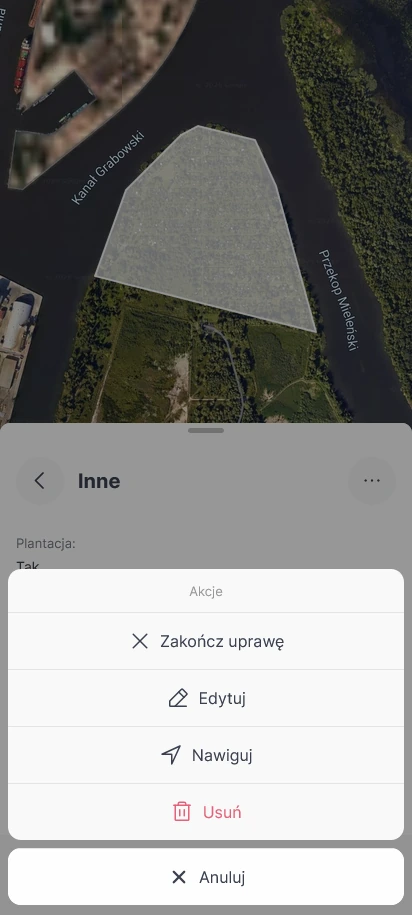
In the mobile app, you can open Google Maps from the details of a field, crop or soil test. The “Navigate” option sets the centre of the relevant field as the destination.
For example, someone collecting soil samples or visiting a crop can open the field’s details and start navigating from there. The destination is the centre of the field, so check the map to choose the appropriate entrance.
More weather station readings
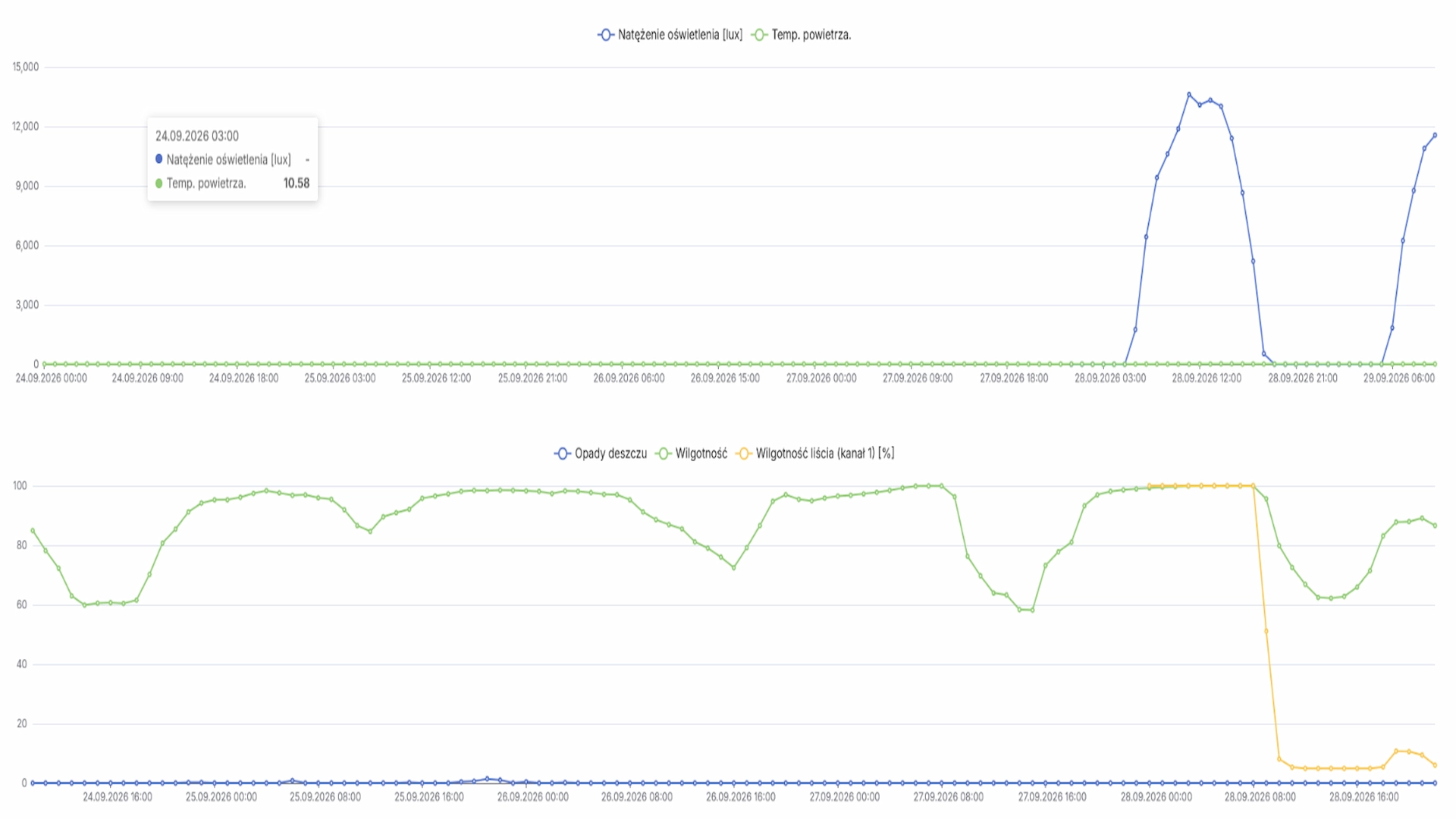
The range of readings shown for supported weather stations has been expanded. The readings discussed in this update include leaf wetness, soil water potential and light intensity. Soil temperature is also now displayed correctly for AgData stations.
The readings available for any particular station depend on the sensors fitted to it. Station data is shown in both the browser and mobile app.
Currency settings for new financial records
You can select the currency used for new financial records in your profile. The currency is shown, for example, when you add new work rates and products to inventory. Currency support has also been extended to treatment costs, offers and reports.
Changing the currency does not convert amounts already recorded. Existing entries retain their original currency, while new entries use the current profile setting. Bear this in mind when reviewing cost data.
Other changes
- Soil test map: the legend and layer panel are now visible in full-screen view, making it easier to capture a map with its key for a report.
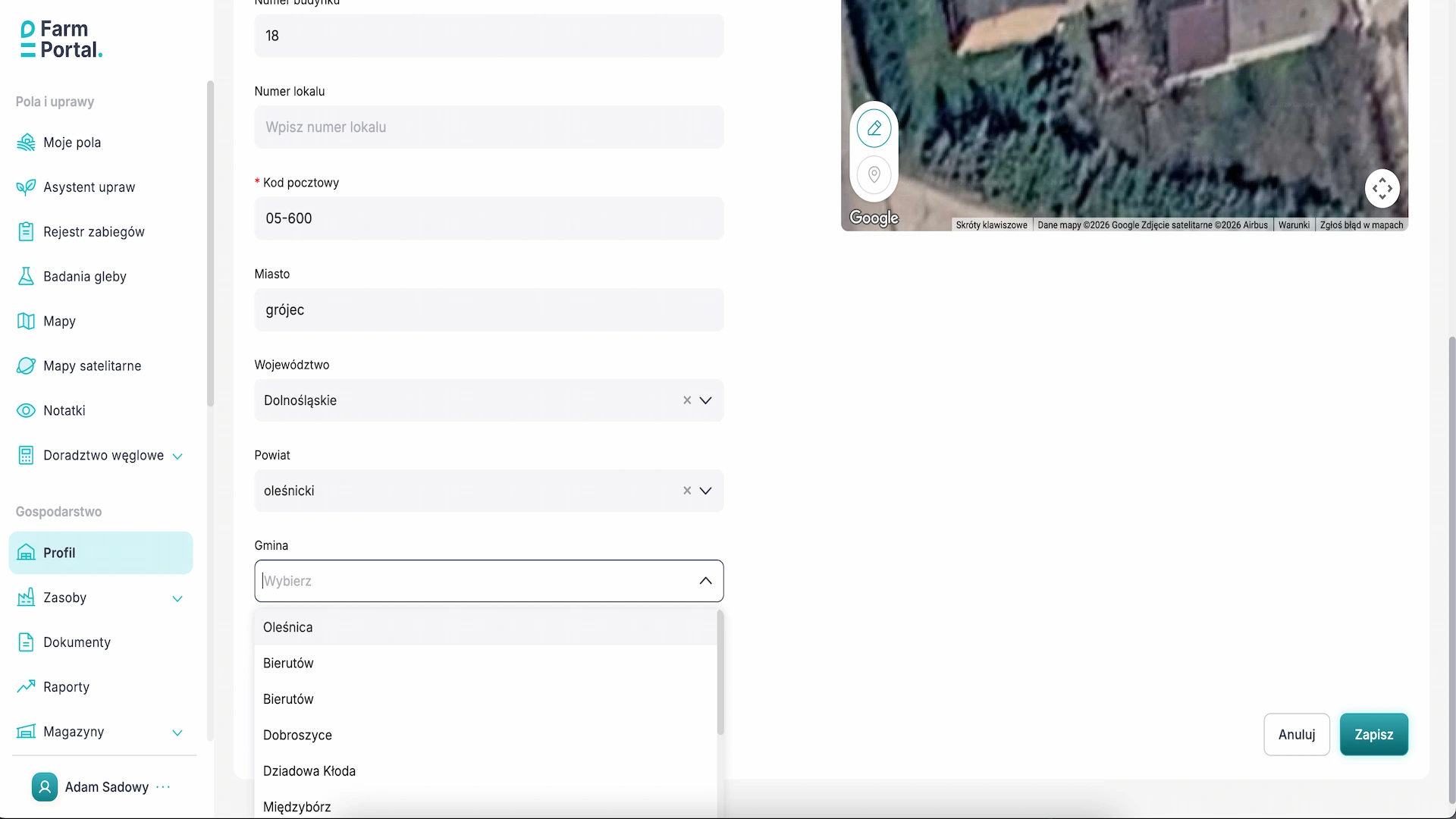
- Address data: the geographical lists used to select countries and their administrative divisions have been expanded, including for Czechia.
- Registration: an issue affecting FarmPortal user registration has been fixed.
- Sampling: issues with scrolling through the sector list and with the sample collection form in the mobile app have been fixed.
- Crops: an issue that could prevent a crop from being created when its assigned land could not be found has been fixed.
- agriRouter: event handling and file transfers in the integration have been improved.
FAQ
Can I print soil test results from the mobile app?
No. The “Print” button is available in the details of a soil test in the browser version.
Where can I start directions to a field?
In the mobile app, you can start from the details of a field, crop or soil test. Google Maps opens with the centre of the field set as the destination.
Will changing the currency in my profile convert amounts already recorded?
No. The new setting applies to new entries; existing records retain their original currency.
Explore the latest FarmPortal changes
Open a soil test in your browser, or explore livestock management and field directions in the mobile app. If you have any questions about the update, get in touch.